Solving an issue
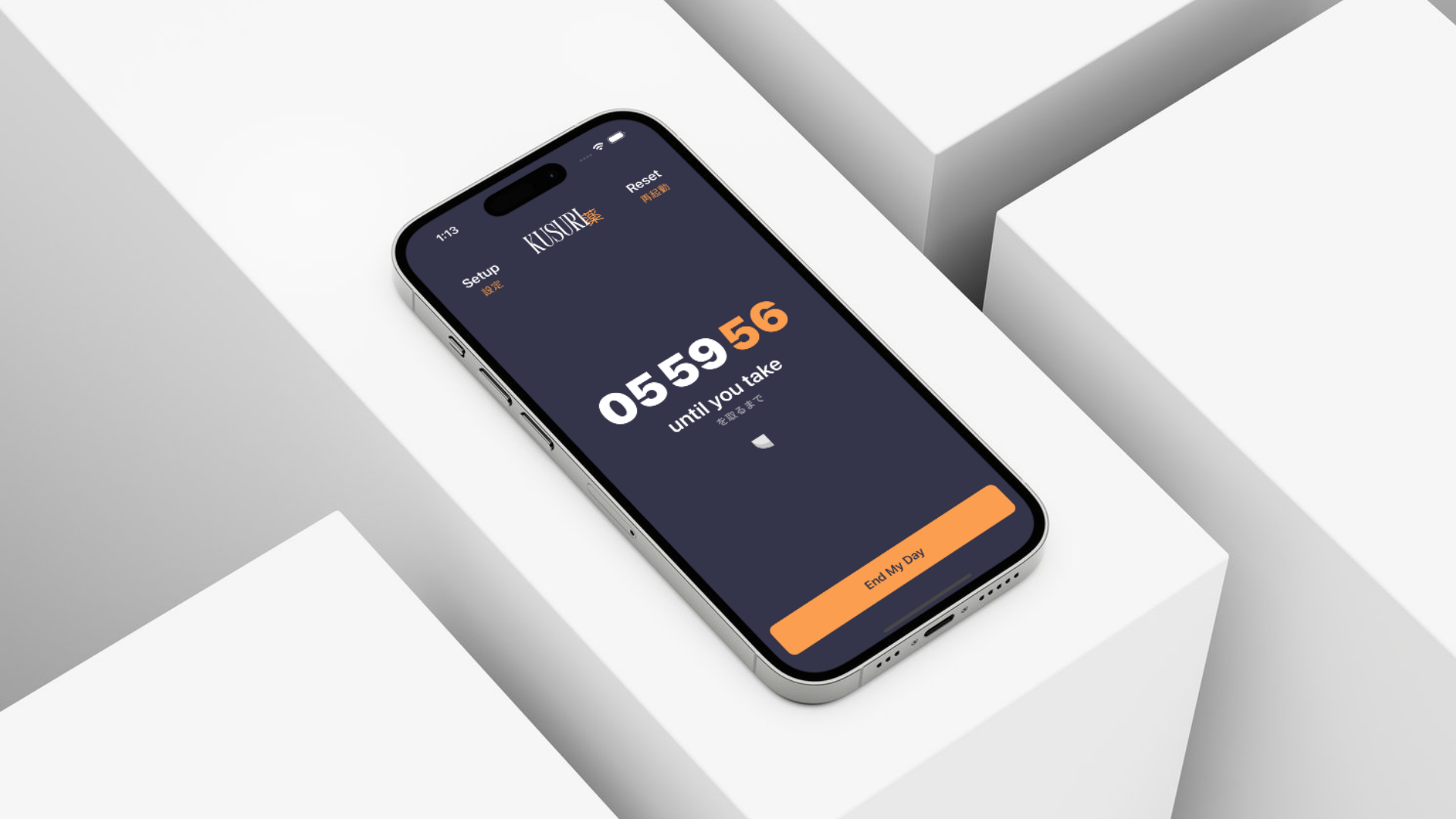
The concept was simple. I wanted an app that would remind me to take my medications but without relying on concrete time-based alarms. Some days, I would stay up till 6am and wake up at noon, and others I would wake up at 8am and follow a more traditional 9-5 schedule. My freelancing and fluid schedule proved to be an issue for my medication, as I needed to take one dose when I woke up and another approximately 6 hours later.
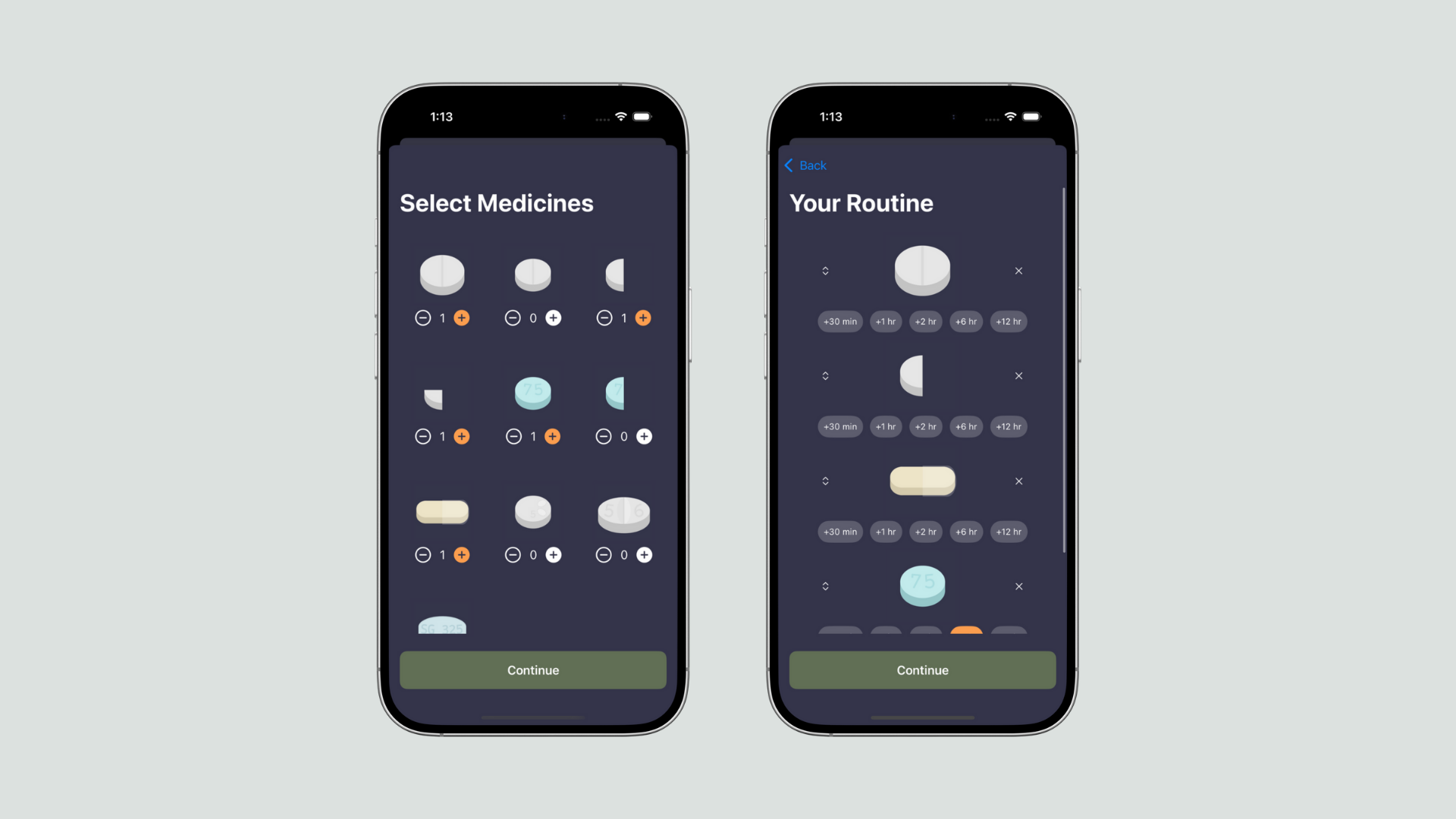
To counter this, the Kusuri app relies on a "routine" system, where a user can select their medications and create groups to indicate that some medication should be taken together. Between medication groups, the user can add time intervals (+30 min, +1 hr, 2 hr, +6 hr, +12 hr).
When multiple medicines have been selected and at least one time gap has been added, then the routine can be saved and that is all that is needed to start using the app.
Using the app daily
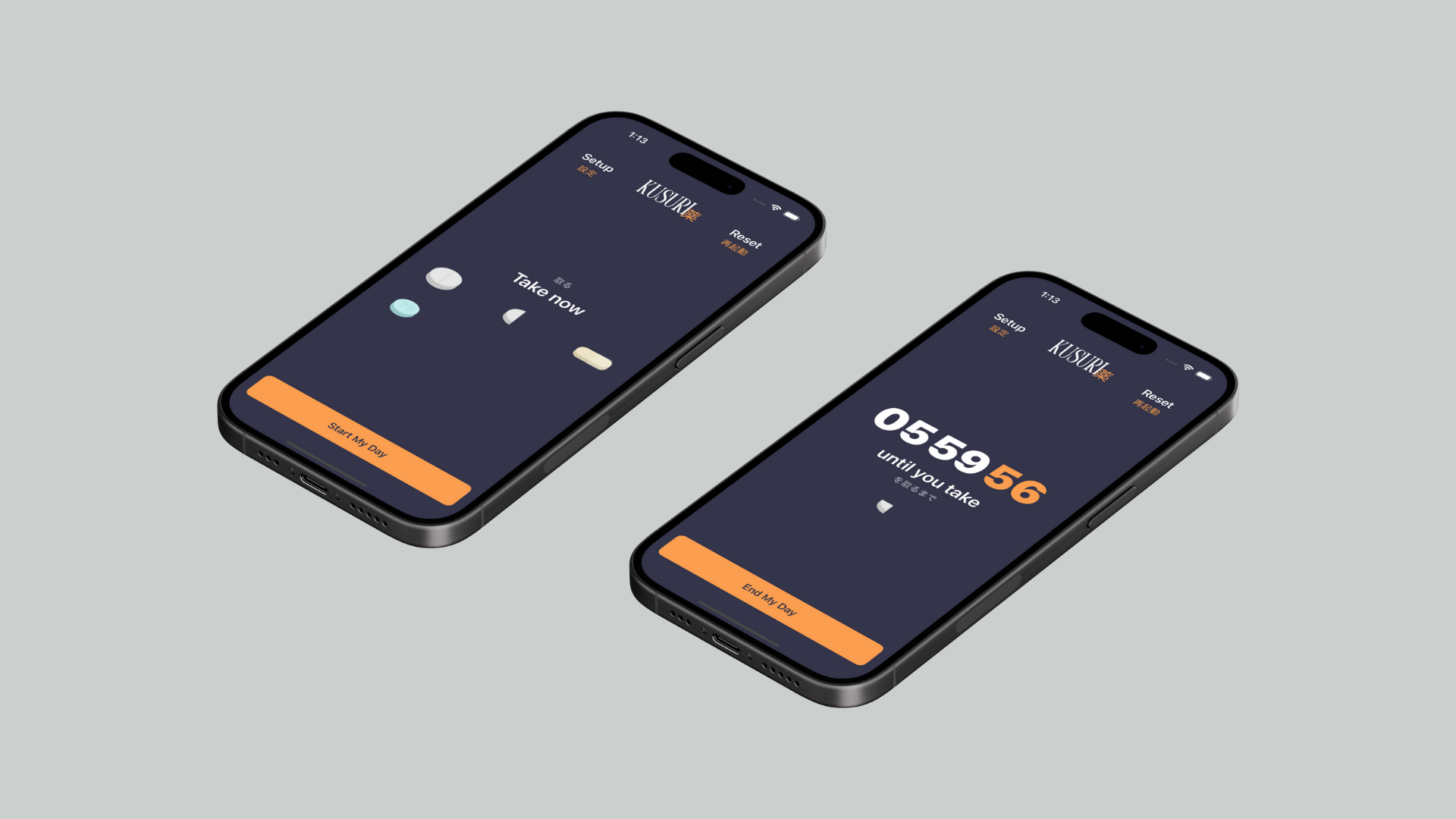
Opening the app after waking up takes you to the "Take Now" screen showing exactly which medication to take. When it's been taken, the user should click on the "Start My Day" button and that begins the routine created by the user — a timer should begin counting down the interval until you take the next medicine.
Within a single day, a user can have any number of medicines and any number of time gaps. This allows flexibility in the case of additional medications such as Ibuprofen, allergy meds, etc. On the last medication group, the button calls for the user to "End their Day" at which point they're congratulated for staying with their medication routine that day. At midnight each day, the routine resets and starts anew.
The medication as well as the time intervals, grouping, and ordering can be adjusted at any time easily by using the Setup menu. There is also a Reset functionality for ease of use.
The biggest challenge I faced
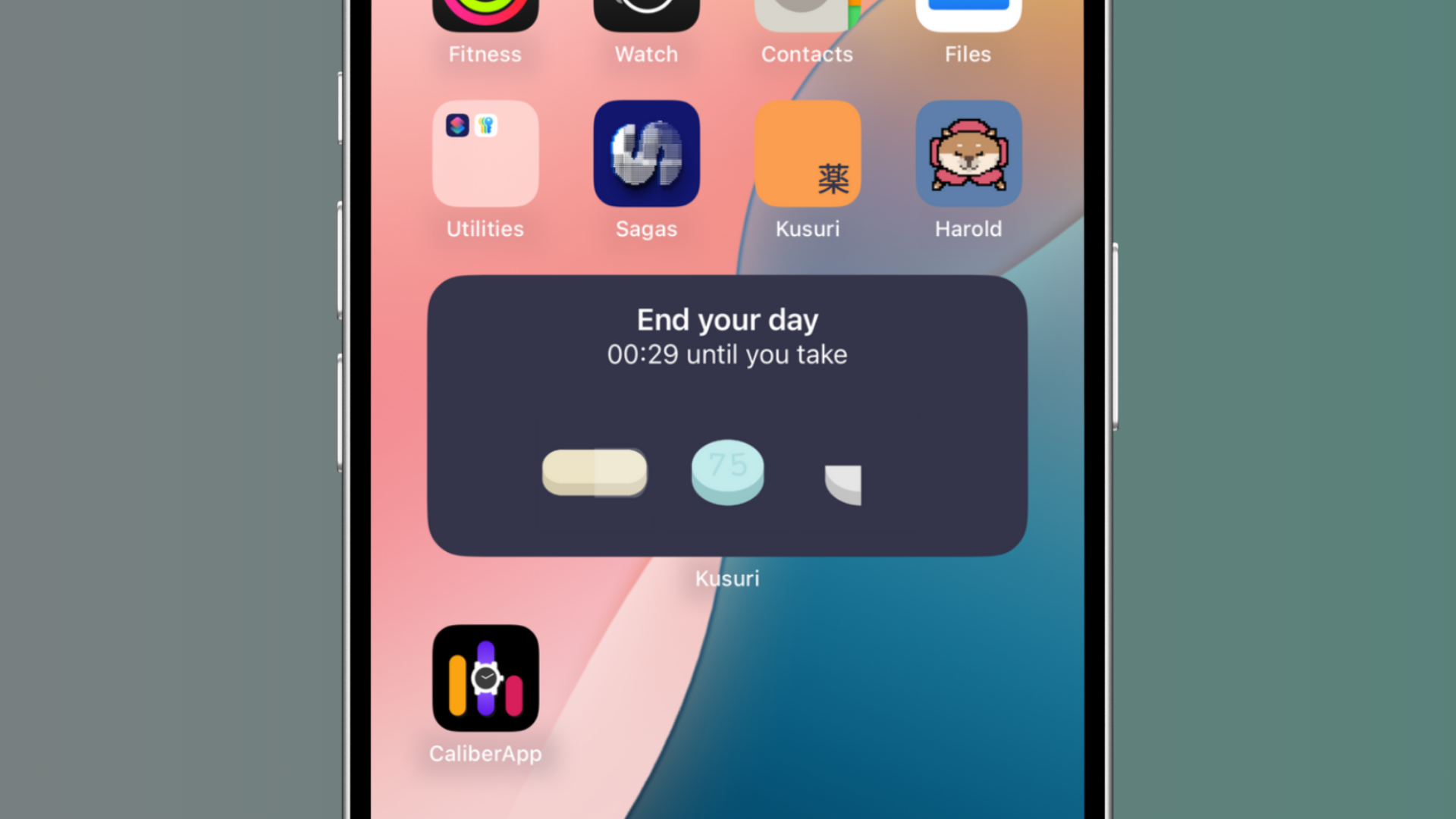
Considering the entire Kusuri project took me no more than 10 total development hours, it was truly frustrating that a single roadblock took me well over 3 hours to solve. That roadblock was creating a functional and live-updating home screen widget.
Retroactively, creating a widget was not the impossible challenge that it seemed during the development process. I was missing a few small configurations and a few small lines of code pertaining to the bundleIdentifier, and once I added those, it was mostly smooth sailing.
My entire app development process for Kusuri was smooth and I completed each task quickly and without any real issue, even though I'm not a high-level backend coder. And in an age of information that was easily available from StackOverflow, Apple Documentation, and even LLMs, it felt helpless to be spend hours on something that seemed so simple. And it was. And it was a good thing that I learned it the hard way, because it'll be that much easier when I make widgets for other apps in the future.
Notes on design
Uncharacteristically, I wasn't focused on design with Kusuri — it was almost an afterthought. My primary focus was functionality and finishing the app as quickly as possible. This meant that the design would lean into minimalism.
My first step was to pick a color palette using the www.coolors.co tool, and I arrived on the following palette:
#343349
Used for background
#647058
Used for accents during Setup
#F79C4E
Used for accent everywhere
I wanted to incorporate the matcha green color in some way, and that was my initial choice for the background color but I quickly moved away from it for a more subdued blue tone that provided more legibility for text while maintaining a similar color temperature and intensity as the matcha green. An orange-toned gold color felt like an easy choice to contrast the blue background and had a warmth that felt appropriate for the app's purpose.
It was after these choices that I began thinking about a Japanese theming for the app, and arrived at the name Kusuri.
Kusuri - Noun. 薬 ( くすり ) • (kusuri) a substance with mystical properties, especially one that has an effect on the body, health, or lifespan. a medicine or drug, a pharmaceutical.
Before Kusuri, my experience with SwiftUI was limited to my work on Caliber and Sagas, which both use thoroughly custom UI's. For simplicity and in the interest of time, I tried to stay in the realm of Apple Design Practices and build off of that. For Kusuri, I aimed to not have any hack-solutions and use the most straightforward implementation possible, even if it wasn't the easiest thing for me to code. Multiple times during the development process, this felt unnatural to me — I felt like I was going against what I would normally do, as I tend to have a specific design and implementation in mind that I set my mind on. It's hard for me stray from this path, but it was a choice I made for my own personal growth as a developer.
The app uses the default SF-Font, rather than my usually preferred Poppins font. I did this because I wanted the navigation titles to look like an Apple-made app, and by the end of the Kusuri development process, I found myself enjoying the SF-Font and went on to incorporate it into my ventures Caliber and Sagas and using it for my next project, Harold. This was a huge change in my iOS design philosophy thus far.
One of my favorite design pieces in this project was the art style of the medications themselves. I made these myself using nothing more than simple shapes, colors, and text. They serve their purpose well and are a strong design choice within the app and on the widget as well, maintaining the app's identity even amongst a crowded iPhone home screen.
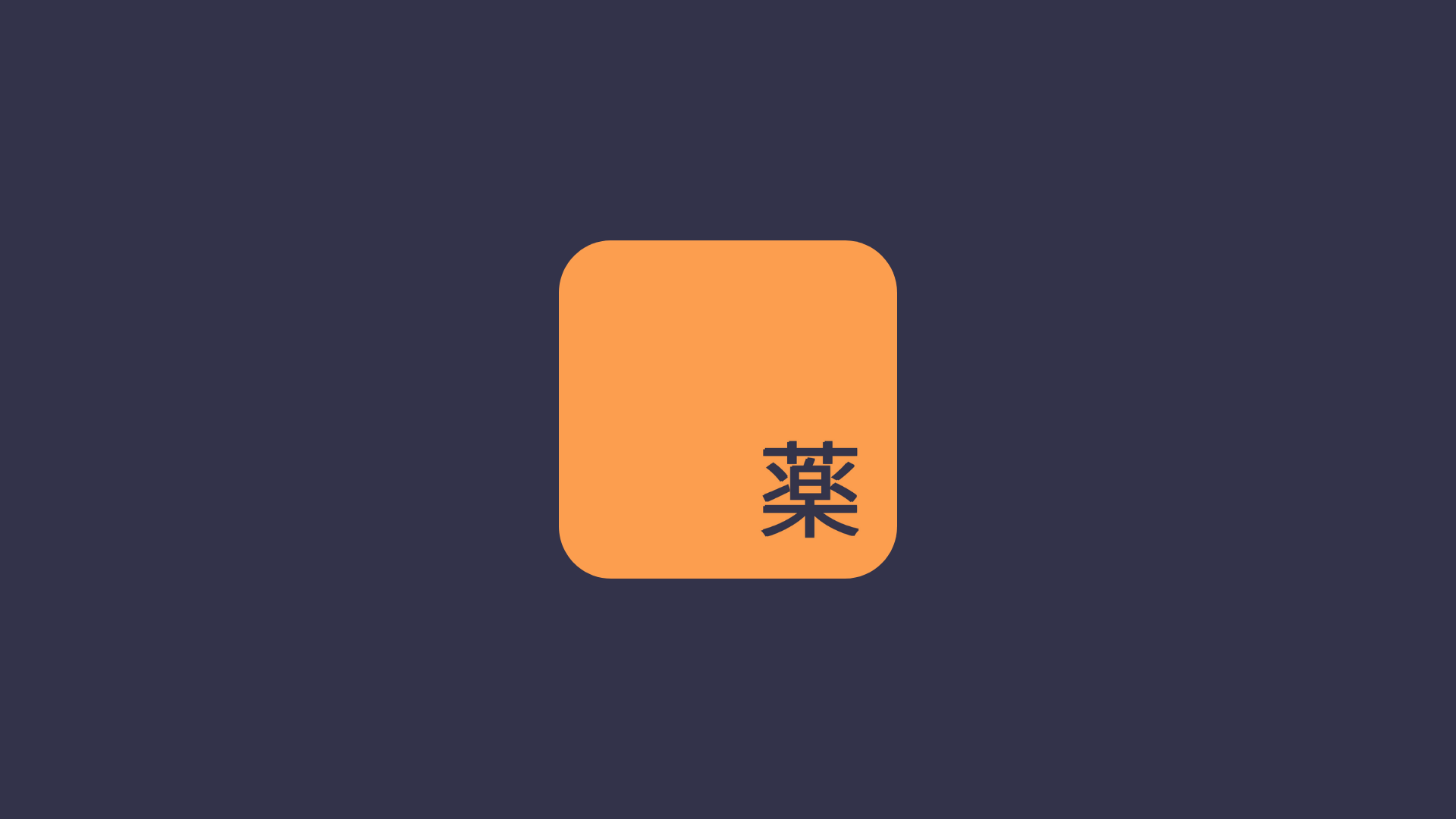
Lastly, the app icon was one of the final pieces of the puzzle. I created several iterations with different concepts, colors, and imagery but eventually arrived on an extremely minimal design. The Japanese text 薬 sits in the bottom right corner in the dark blue tone, with the orange-gold canvas behind it. I relied on the warmth and brilliance of the orange-gold tone to serve as a recognizable icon for the app, and it fittingly serves as the most prominent motif of the app's design.
For personal use and personal growth
I created Kusuri as a challenge to myself to code an entire app overnight. It was my first time doing something like that and I loved the experience. I've always been a fast worker and a goal-oriented person, and I have a tendency to hyperfixate on a specific task until I finish it — this was an extremely satisfying experience to have a fully-featured, bug-free, and truly useful app completed so quickly and all on my own.
Now at the end of this development process, I've decided to keep this app to myself and off the App Store, primarily because I don't feel that I put my best foot forward nor do I feel that the app provides enough value.
Roughly 80% of Kusuri's functionality could be mimicked through the Apple Shortcuts app. While the average iPhone user might never go through the trouble of setting up a complex shortcut, that may be a more reliable alternative to Kusuri. I would ultimately prefer to build an app that couldn't be made obsolete with the use of a preinstalled Apple app.
Furthermore, Kusuri was not a truly indicative of my design and coding skills. I feel that spending a few more hours on design and creating a more stylized UI would help create a product I would be proud of. But as an indie app developer looking for a full-time position in SWE, it doesn't make sense for me to spend time redesigning an app for diminishing returns.
On the topic of growth, I have to speak on the huge amount I learned over the course of no more than 10 development hours. Somehow, developing Kusuri has changed my font preferences, taught me how to make a live-updating widget, showed me constraint in design… and most importantly — when to put a project down.